
[Account Owner] Engagement Report
Need more information about what is in each engagement with clients, such as what workflows are being used, or how many are being processed with agreements? Look no further, because now you can check out all this useful information and more in our Engagement Report.
For a report of Engagements, head over to
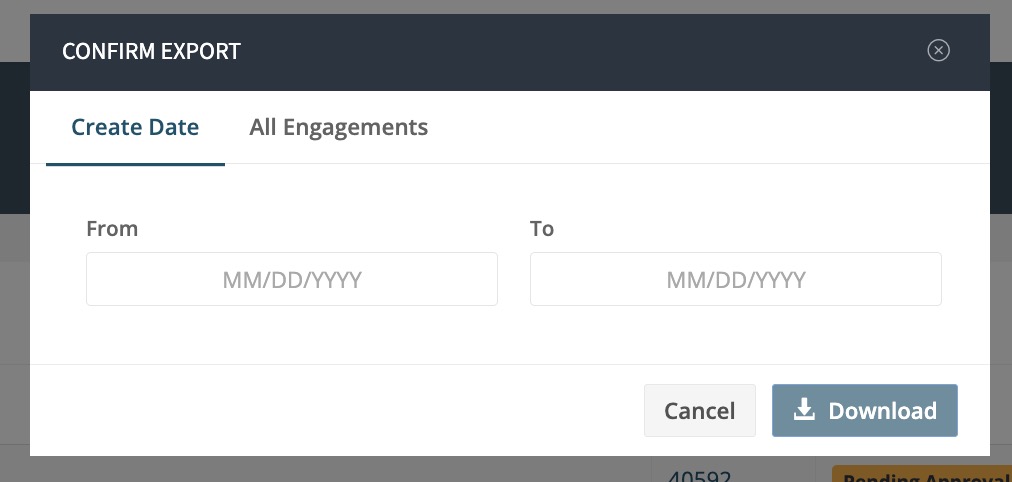
- Engagements in your left-hand sidebar, then click on Export.
- Next, select the date ranges and click Download.
- Note that if the time period selected is greater than 90 days, or if you select All Engagements, the report will not download to the browser but will be sent to the user’s email.
See below for the list of items on the XLSX. spreadsheet:
- Type
- ID
- Created Date
- Client Name
- Client Email Address
- Client ID
- Client Attributes
- Advisor Name
- Advisor Email Address
- Advisor ID
- Primary Agreement ID
- Primary Agreement Name
- Primary Agreement Created At
- Primary Agreement Status (Created, Opened, Completed, Voided)
- Additional Agreement Signed Date
- Additional Agreement IDs
- Invoice IDs
- Subscription IDs
- Total Engagement Fee
- Deliverable Template Name
- Last Deliverable Submitted Date
- Next Deliverable Due Date
- Office Name